
Your LinkedIn feed, finally under control
LinkedIn's algorithm does learn from your feedback - but it buries the controls so deep that almost nobody uses them. LinkedIn Feed Filter puts unfollow, hide, and "not interested" directly on every post so you can actually teach it what you want.
No account. No data collected. Works on LinkedIn.com.
The LinkedIn feed problem
LinkedIn lunatics
The subculture of people treating LinkedIn like a personal therapy blog - sharing their morning routine, their divorce, their 10,000 EUR month. You didn't follow them for this.
Activity pollution
A contact likes a post from a LinkedIn lunatic. Now it's on your feed. You can act on it, but LinkedIn buries the option four clicks deep.
Buried controls
"Not interested", "Unfollow", "Hide posts by" - LinkedIn has all of these. They're just hidden behind a tiny ... menu that barely anyone uses.
How it works
Buttons appear on every post
The extension adds unfollow, hide, and "not interested" controls directly onto each post in your feed. No menus, no hunting.
You click, LinkedIn acts
Each button triggers LinkedIn's own native action - the exact same one buried in the ... menu. Nothing custom, nothing external.
The algorithm gets the signal
LinkedIn's feed algorithm already listens to these actions. Using them consistently shifts what it shows you over time.
Every control, one click away
Unfollow author
Stop seeing posts from someone - right on the post. No profile hunting required.
Not interested
Send a direct signal to LinkedIn's algorithm. Do it consistently and that content type fades.
Hide posts by author
Keep the connection, lose the posts. For colleagues you respect offline but not on LinkedIn.
Hide ads
Dismiss promoted content in one click. No fine print, no menus.
Unfollow this person
Someone liked a LinkedIn lunatic's post and it landed on your feed - unfollow them instantly.
Feed quality
Tell the algorithm what you don't want.
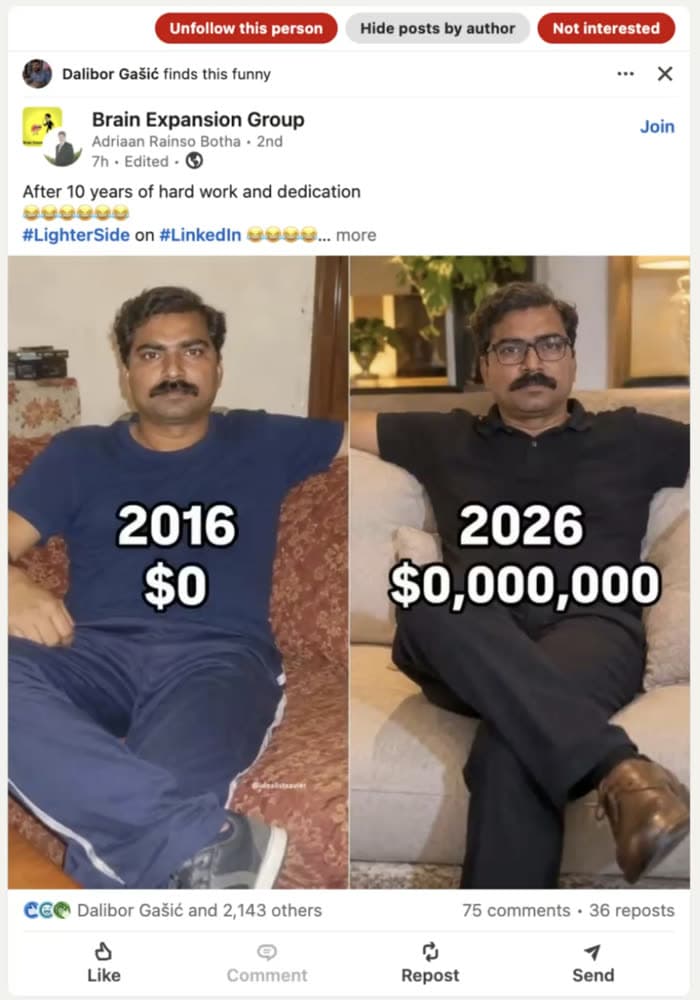
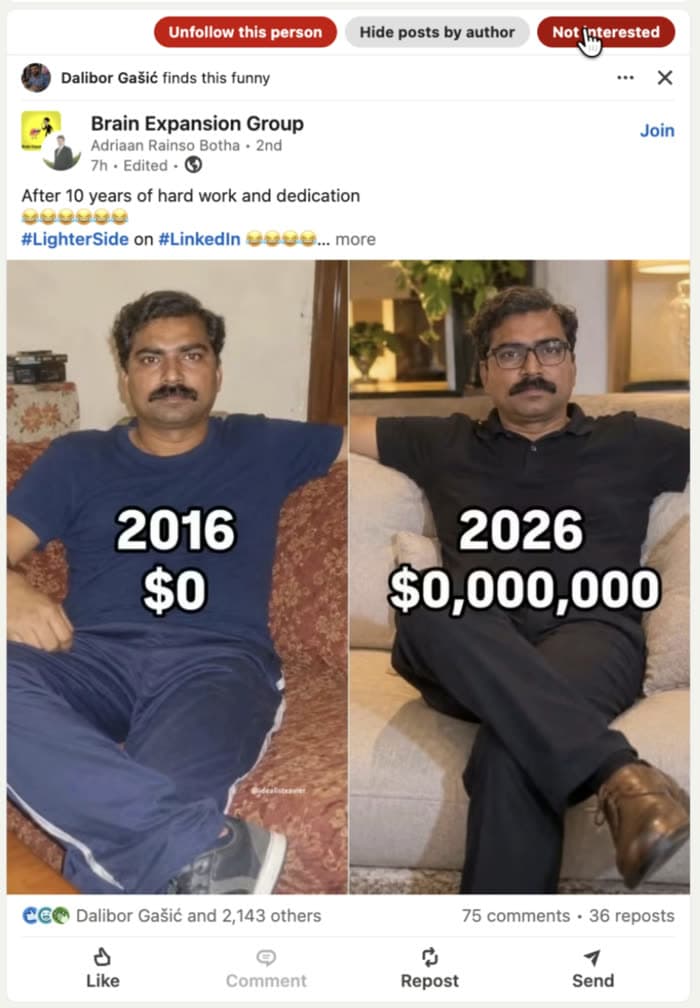
LinkedIn lunatics post motivational memes, life lessons, and before/after wealth comparisons. Someone finds it funny and now it's on your feed. It has nothing to do with your work.
"Not interested" is a real signal LinkedIn's algorithm listens to - their own help center says so. LinkedIn Feed Filter puts it directly on the post so you can use it without hunting through a menu. Do it consistently and this type of content fades from your feed.

Activity pollution
A stranger's post because someone liked it.
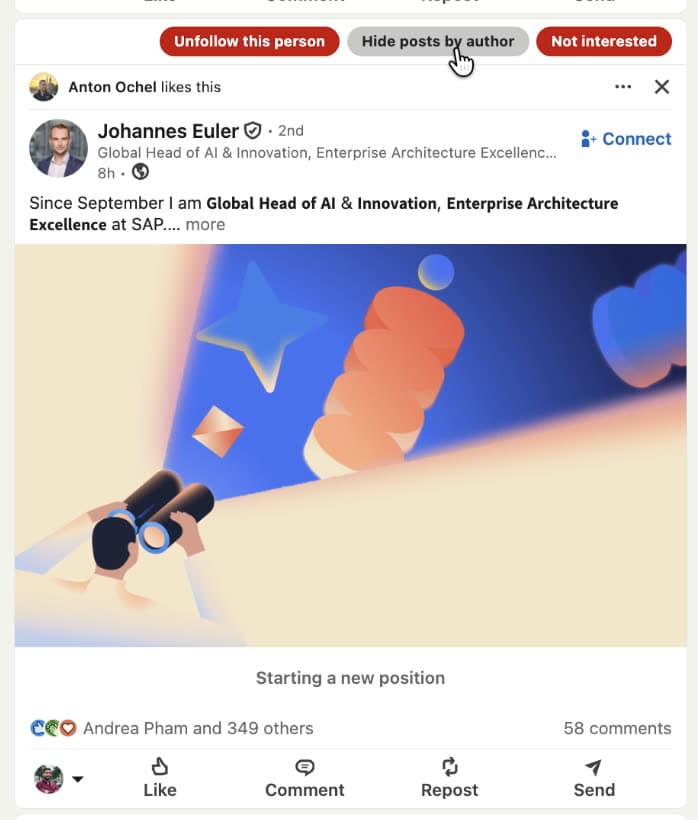
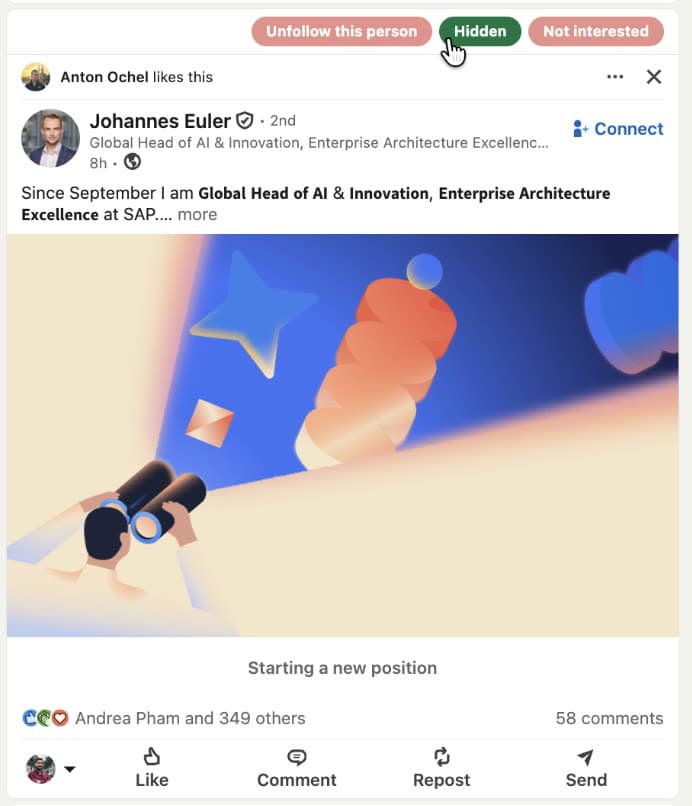
Anton Ochel likes a post. You don't follow Anton Ochel for his taste in content - you don't even remember connecting. Now Johannes Euler's career announcement is on your feed because of that chain reaction.
LinkedIn Feed Filter puts "Unfollow this person" directly on the post - targeting the author, not the person who reacted. One click and their posts stop showing up, whether they appear directly or via someone else's activity.

Feed connections
That person you barely know.
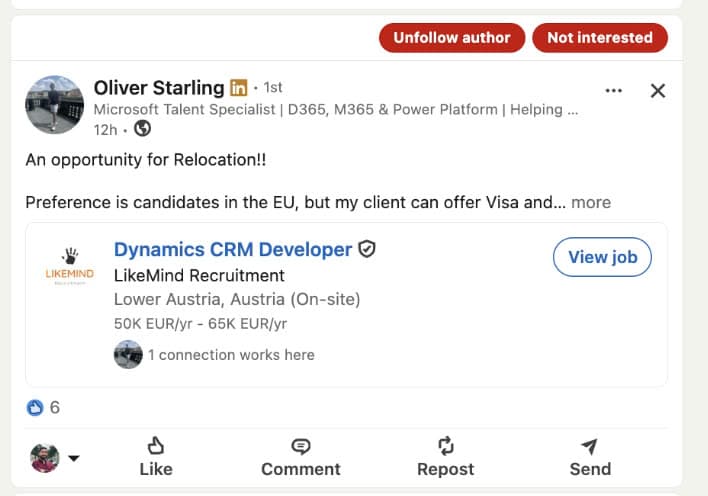
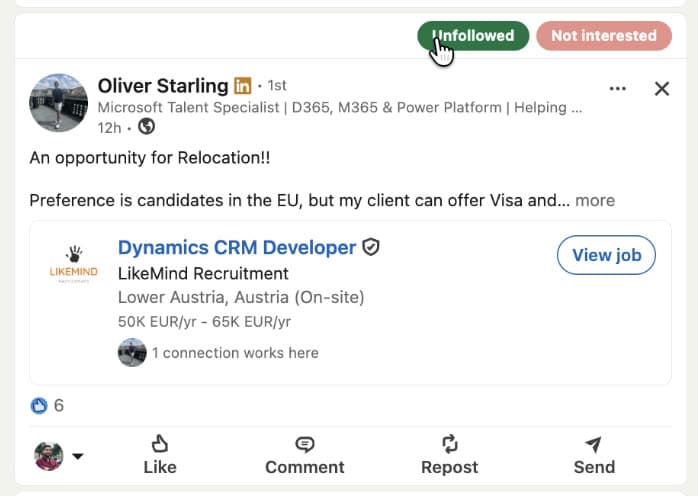
You connected years ago - maybe at a conference, maybe just because. Now their posts clog your feed every week. Not relevant to you professionally, not interesting, just there.
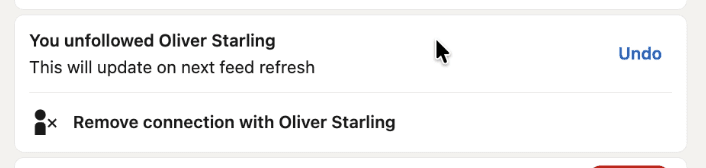
You don't have to remove the connection. LinkedIn Feed Filter adds an "Unfollow author" button directly on their post. One click stops their content from appearing - the connection stays, the noise goes.
Promoted content
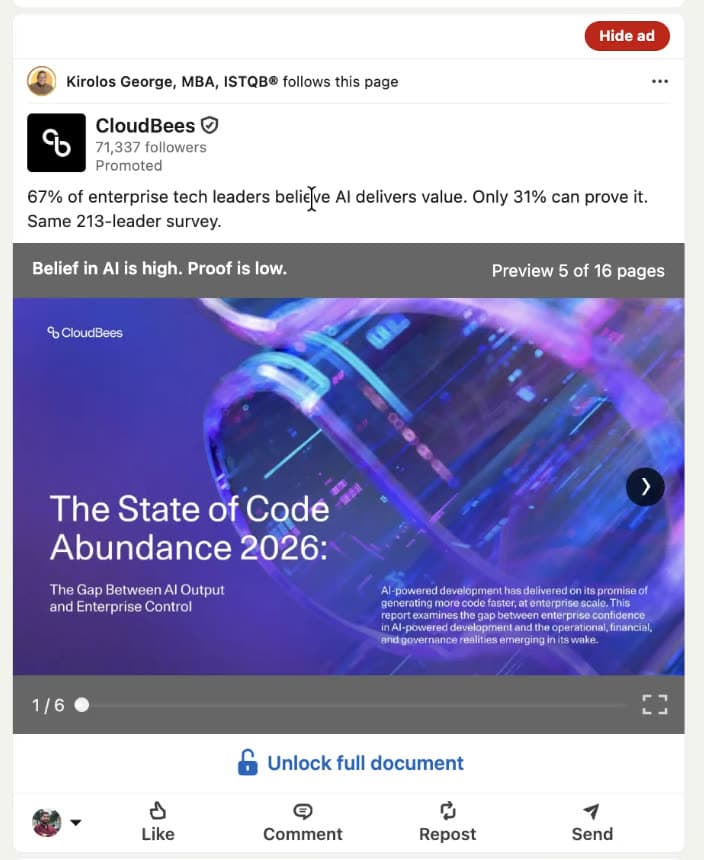
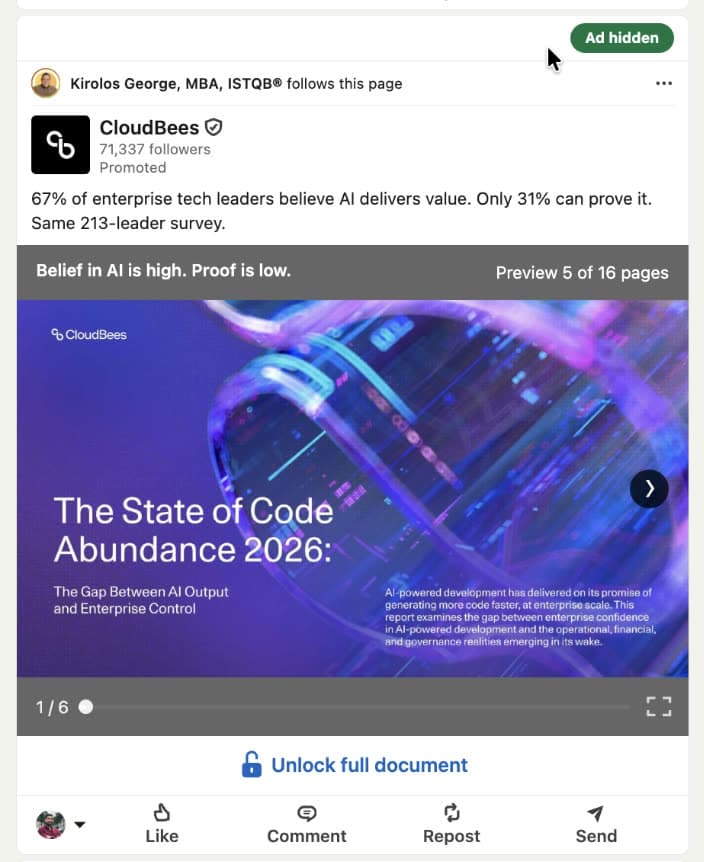
That same ad, again.
LinkedIn serves the same promoted posts on repeat. The same vendor pitch, the same "67% of leaders" stat, the same whitepaper - day after day.
The native hide option exists but it's buried in the same ... menu as everything else. LinkedIn Feed Filter puts a "Hide ad" button directly on every promoted post. One click and it's gone - LinkedIn even confirms it will show you fewer ads like it.

Free while it's in beta
The extension is free to install right now. No credit card, no account, no strings. Install it, use it for a week, and see if your feed improves.
Add to Chrome →Chrome extension · Works on linkedin.com · No data collected
Frequently asked questions
- Does this break LinkedIn or violate its terms?
- No. The extension only clicks LinkedIn's own existing menu items on your behalf - the same actions you would take manually. It does not inject fake data, scrape content, or communicate with any external server. It is a UI shortcut, nothing more.
- Will LinkedIn detect or ban me for using it?
- No. From LinkedIn's perspective, a human is clicking their own menu buttons. The extension does not automate bulk actions or behave like a bot - it only acts when you click one of its buttons.
- Does it collect any of my data?
- No. The extension has no backend, no database, and no analytics. It runs entirely inside your browser. Nothing you do with it leaves your device. See the Privacy Policy for the full details.
- Why is it free?
- It is free during the beta period while we gather feedback and make sure it works well across different LinkedIn layouts and languages. A paid version may follow.
- Which browsers are supported?
- Google Chrome and any Chromium-based browser that supports Chrome extensions - including Brave, Edge, and Arc.
- Does it work if LinkedIn changes its layout?
- LinkedIn A/B tests its UI constantly. The extension is built to handle multiple selector variants and is updated when LinkedIn makes breaking changes. If something stops working, update the extension from the Chrome Web Store.
- Does clicking 'Not interested' or 'Unfollow' actually improve my feed?
- Yes - these are real LinkedIn signals, the same ones LinkedIn's own help center recommends for tuning your feed. The difference is that LinkedIn hides them in a menu most people never open. Using them consistently does shift what the algorithm shows you over time.
Ready to get started?
Fix your feed today.