
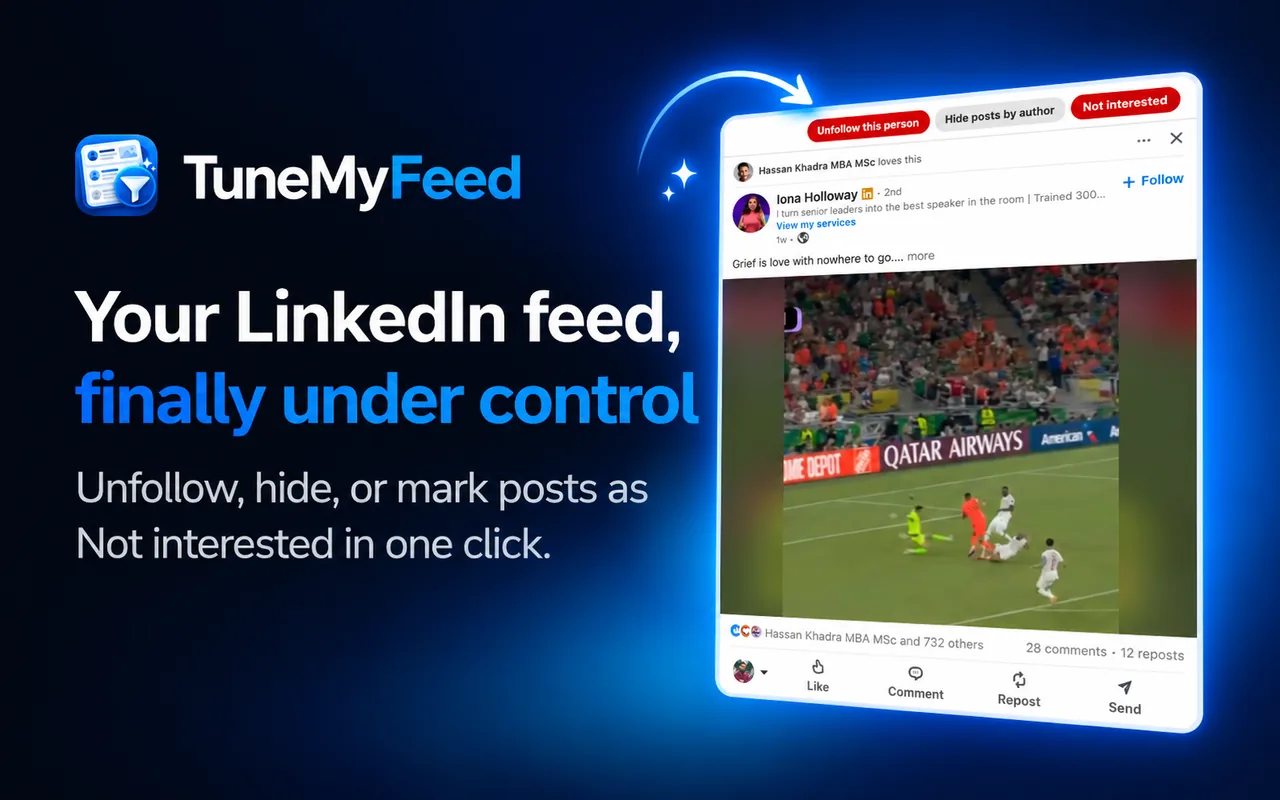
LinkedIn lets you tell it what you don't want to see. The catch: every one of those options sits behind the tiny "…" menu on each post, two or three clicks deep. Most people never use them, so the algorithm never learns.
TuneMyFeed puts those options right on the post, as buttons you can click once.
The buttons
- Not interested tells LinkedIn to show you fewer posts like this one. Keep doing it and that kind of content fades from your feed.
- Unfollow author stops someone's posts without removing the connection or visiting their profile.
- Hide posts by author keeps the connection and loses the posts. For colleagues you respect offline, but not on LinkedIn.
- Unfollow this person shows up when a connection liked or commented on a stranger's post. It unfollows the stranger, not your connection.
- Hide ad dismisses a promoted post, and LinkedIn shows you fewer ads like it.
Why it works
Each button runs LinkedIn's own action, the one behind the "…" menu. Nothing custom, nothing sent anywhere else: TuneMyFeed works entirely in your browser. Over time, those signals leave room in your feed for the posts that matter to you.